Make Gatefold yours: Llama '97 skin, backlights and rating icons
Four things change how Gatefold looks to you: the skin, the backlight, the finish on your Mosh badge, and the icon your Album rating is drawn with. The rating icon is free. The other three are MOSH.
Where do I change them?
- Kebab (3 dots) > Settings > Appearance.
- Rating icon has its own card.
- The Console card below it has three rows: Backlight, Skin and Badge finish.
- Tap a key. It changes straight away, and the key you picked says ON.
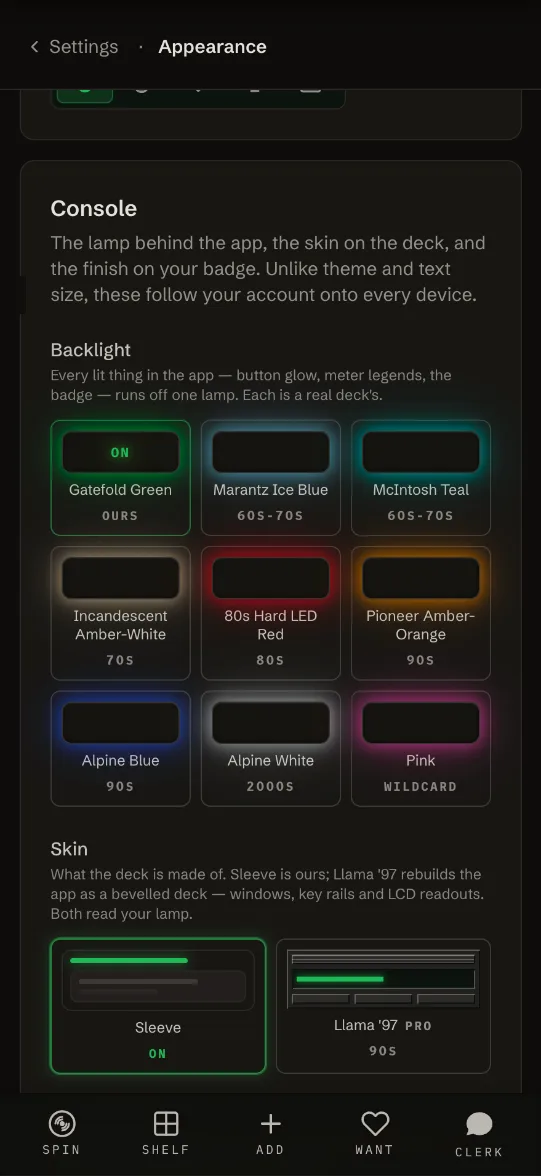
What is the Llama '97 skin?
A late-90s desktop player, in the spirit of classic Winamp. The other skin, Sleeve, is Gatefold's own look and the default.
- The app sits in a bevelled window with a striped title bar, and the tabs become keys.
- Spin, Shelf, album pages, the player and the Clerk read out on backlit LCD screens.
- The lit screens have a glass finish, with no stripes.
- On Spin, EJECT opens the tracklist right under the play keys, the way Winamp docks its playlist.
- The screens glow in your backlight colour, so the skin and the backlight work together.
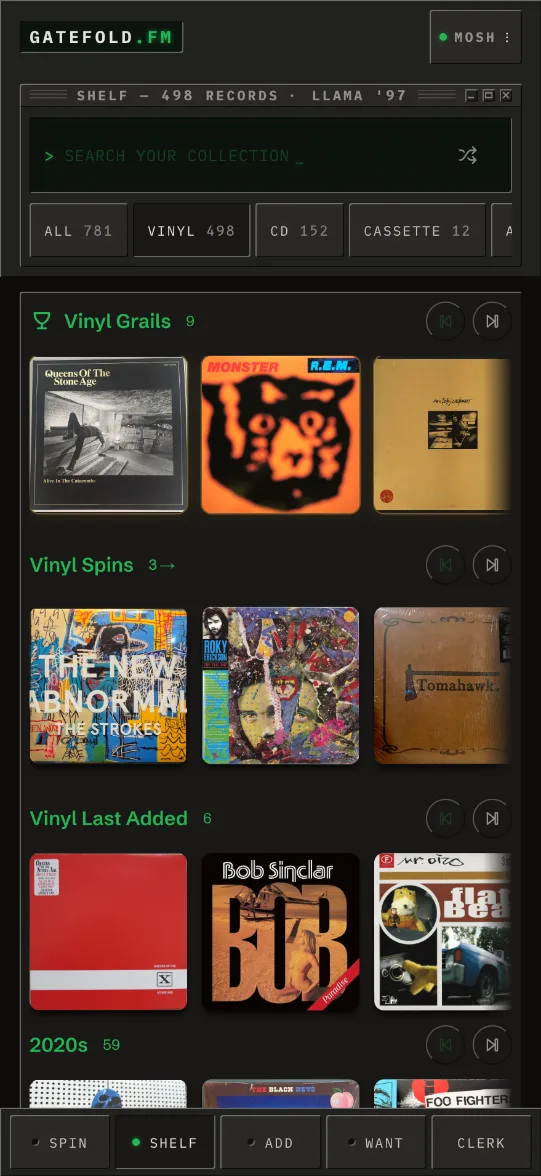
Does Llama '97 work in light mode?
Yes. Both skins work in light and dark. Theme is still set per device on the same Appearance page.
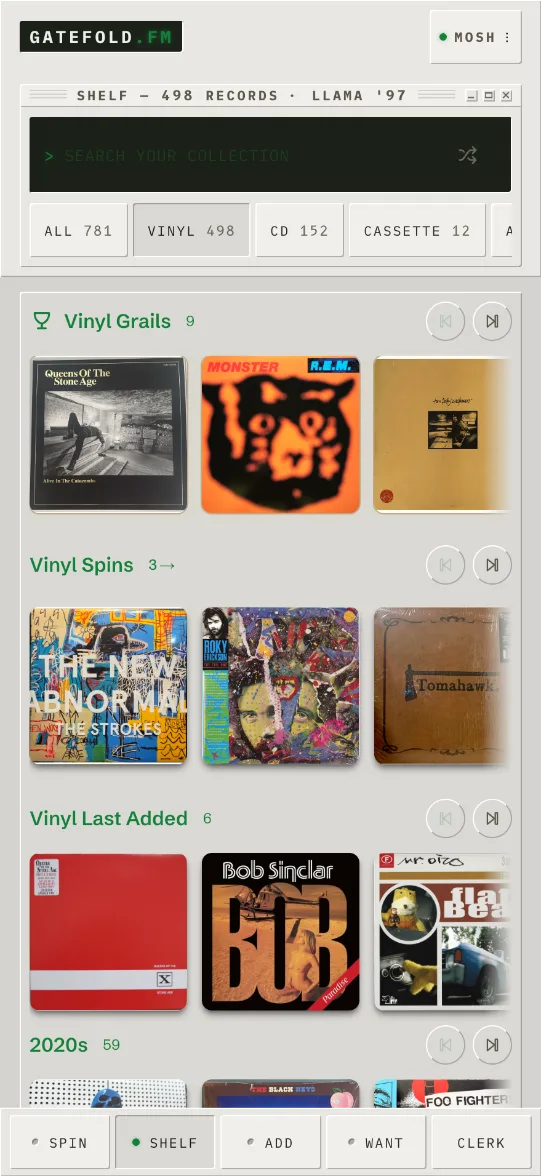
Which backlight colours can I pick?
Every lit thing in the app, like button glow, meter legends and the badge, runs off one lamp. There are nine, each from a real deck:
| Backlight | Era |
|---|---|
| Gatefold Green (the default) | ours |
| Marantz Ice Blue | 60s-70s |
| McIntosh Teal | 60s-70s |
| Incandescent Amber-White | 70s |
| 80s Hard LED Red | 80s |
| Pioneer Amber-Orange | 90s |
| Alpine Blue | 90s |
| Alpine White | 2000s |
| Pink | wildcard |
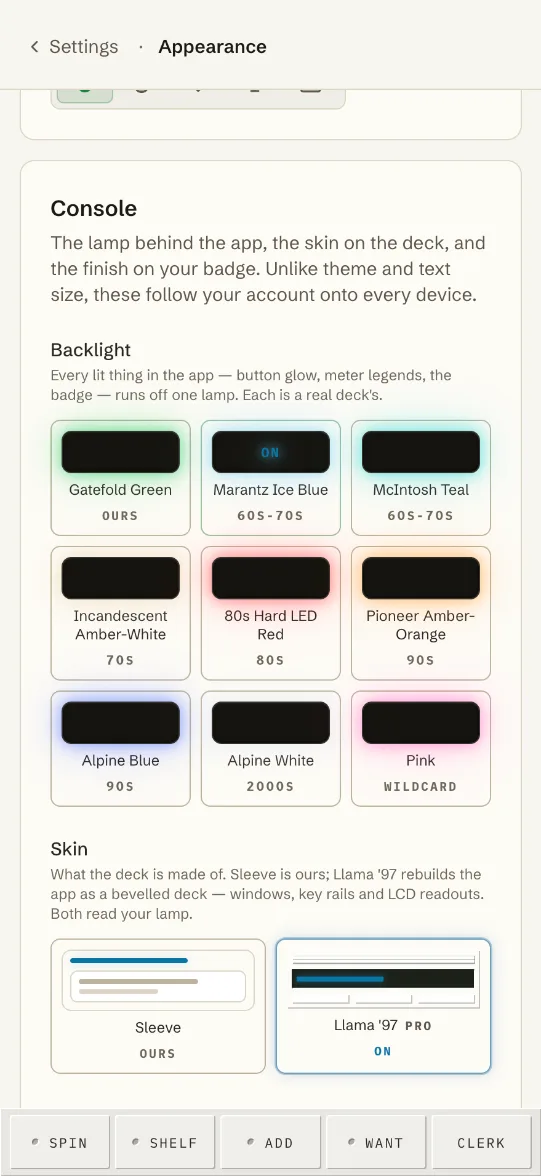
Why did my backlight turn orange on Halloween?
On October 31, by your device's date, everyone's backlight is Pioneer Amber-Orange. Settings still shows the colour you picked, and it comes back by itself on November 1.
What is the badge finish?
How your Mosh badge in the menu is made: LED, a lit segment (the default), Foil, a stamped foil, or Sticker, a hype sticker with the corner coming up.
Can I change the rating icon?
Yes. Kebab (3 dots) > Settings > Appearance > Rating icon. Pick horns (the default), a flame, a guitar pick, a microphone or a thumbs up. It changes the icon your Album rating is drawn with. More in Rate a record.
Do my choices follow me to other devices?
Yes. Skin, backlight, badge finish and rating icon are saved to your account, so they're the same on your phone, tablet and computer. Theme and text size are the exception: they stay with each device.
Is any of this MOSH only?
- Skin, backlight and badge finish are MOSH. On a free account you can see the keys, but they don't respond, and the card links to MOSH.
- The rating icon is free on every account.
- If MOSH ends, the app goes back to Sleeve and Gatefold Green. Your picks are kept and come back if you rejoin.