In the car
Think of it as your own radio station with a DJ who knows your shelf. He plays your records, talks between tracks, takes requests, and speaks up when there's a wreck ahead. On iPhone it's on the car's screen with CarPlay. On any phone, prop it on the dash and open Driving Mode.
What does the DJ play?
- Records you own. Every set you tap (Adaptive Drive, Road Trip, Beat the Rush, Deep Cuts, Random Banger and the rest) is built from your shelf.
- Now and then, one track off your Want list, and he tells you that's where it came from. On MOSH that one extra track can also be a record connected to yours, like a side project of a band you own, and he says what the link is.
- Anything you name. Ask for an artist, an album or a song out loud and he plays it from Apple Music, whether you own it or not.
- Ordinary weather nudges the mood of a set, and in rain or snow the Now tab adds a set for it.
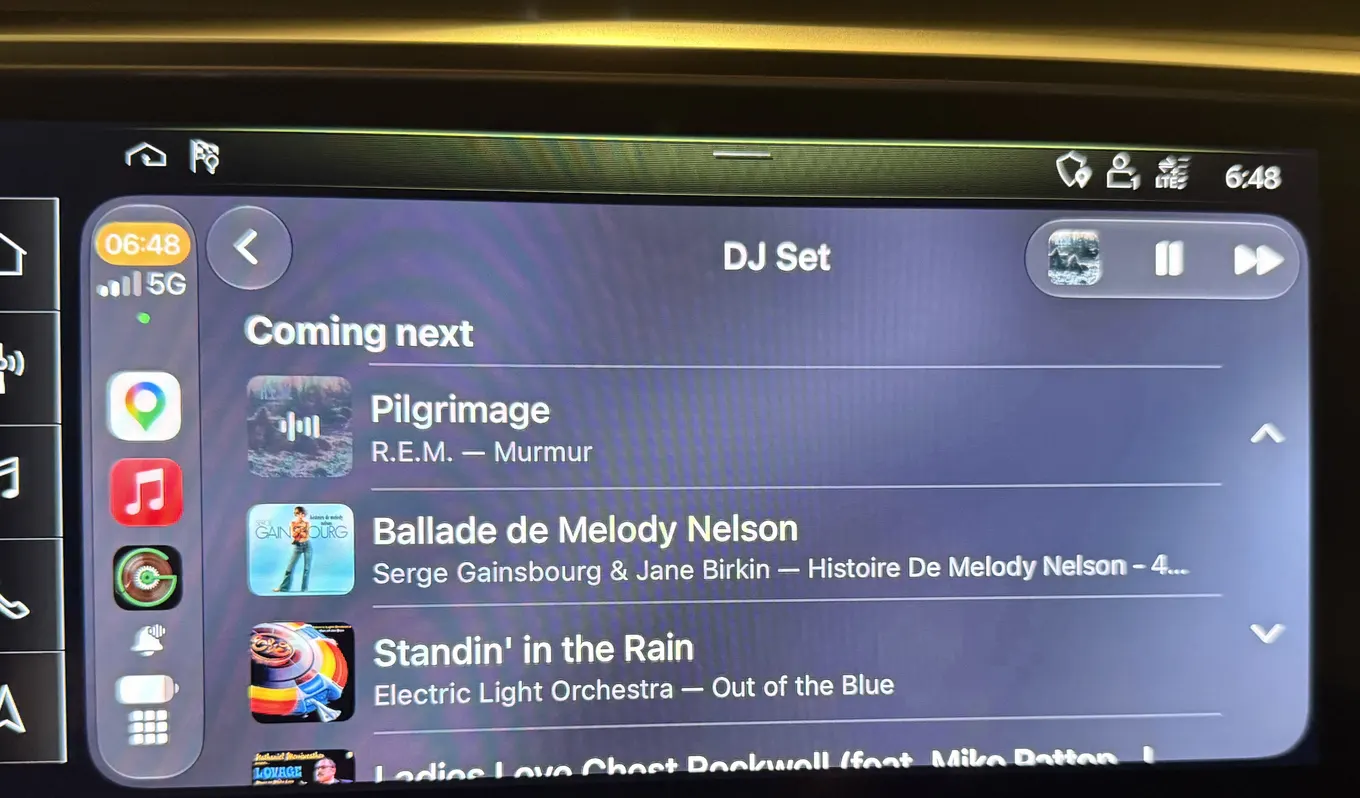
Every set, and what each one costs: Put something on and The Now tab.
Does he talk between tracks?
A line or two about the next record: who produced it, who played on it, the year, the label, taken from the credits on your records. In CarPlay you set how often in Kebab (3 dots) > Settings > Clerk > In the Car: Quiet is about one line every four tracks, Chatty is a line every track. How much he swears follows Clerk Cussing on the same page.
Does he do traffic and weather?
- Traffic, yes: a crash, a closure, ice or flooding ahead, and traffic that has slowed to a crawl. He speaks over the music, then the music comes back. Each one once, a couple per drive at most.
- Weather, only when it's serious: severe and extreme warnings, like a tornado or a flash flood. There's no weather report.
- In CarPlay it's the Road alerts switch under In the Car, on by default, and alerts speak while Gatefold is the app on the car's screen. Location has to be on.
- Sometimes the traffic feed doesn't name the road, and he'll say "a road closure" without one.
When it speaks and when it stays quiet: Road alerts, weather and Last.fm.
CarPlay or Driving Mode?
- CarPlay: iPhone, on the car's own screen, playing through Apple Music. Four tabs: Clerk, Spin, Shelf and Now. Gatefold in CarPlay.
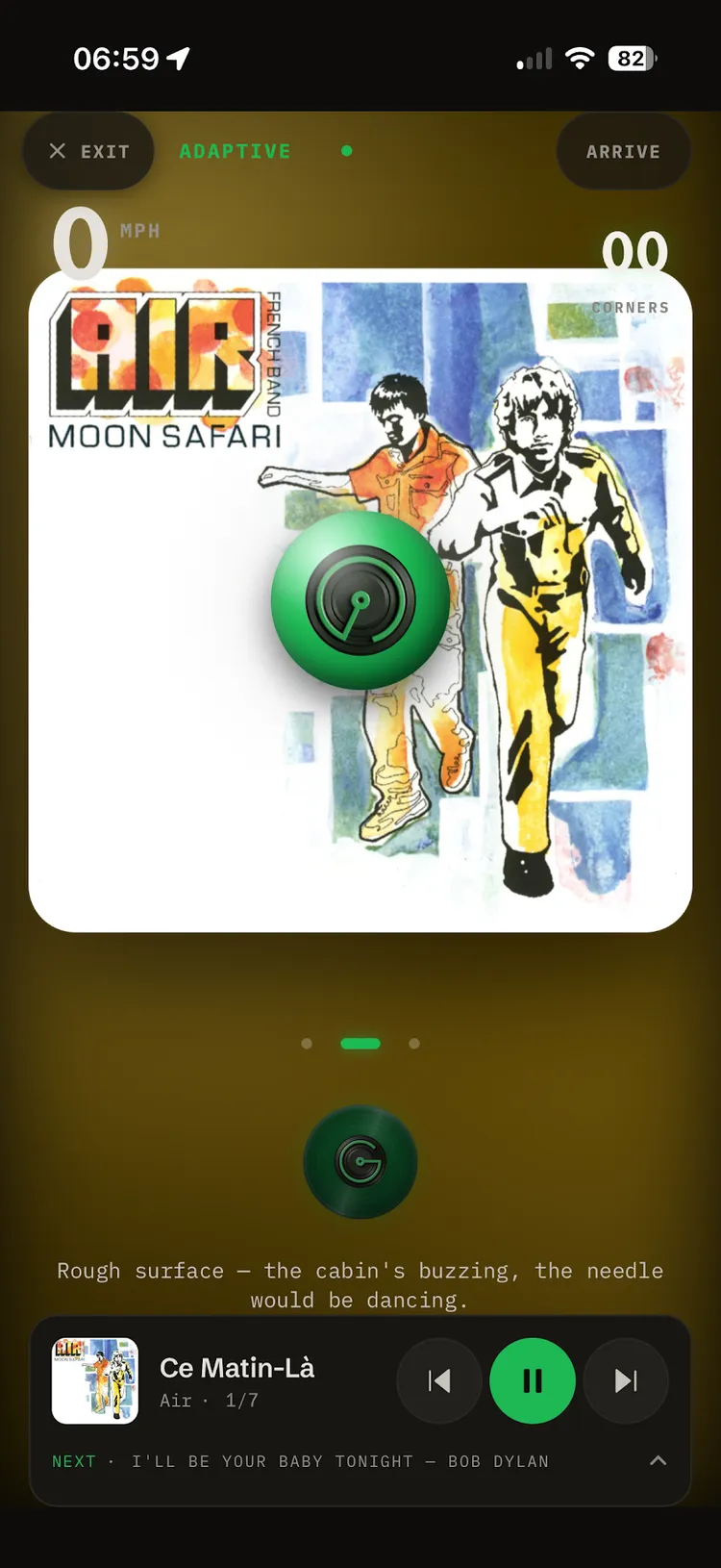
- Driving Mode: a phone on the dash, iPhone or Android. Three gauges to glance at, the Clerk on the orb, and when you arrive, the record from your shelf you drove like. Apple Music plays it all; Tidal plays one album at a time. Driving Mode on your phone.
What's free?
Playing your records, Random Banger, High Energy and Low Energy, and road alerts are free. On a free account, other sets cost a quarter each (15 a month), and you get 3 voice sessions a month. MOSH has no meter. What costs a quarter in CarPlay.