Going record shopping
A dig goes better with a list. Here's a day of record shopping in Gatefold, from the couch the night before to the haul on the kitchen table.
What am I hunting?
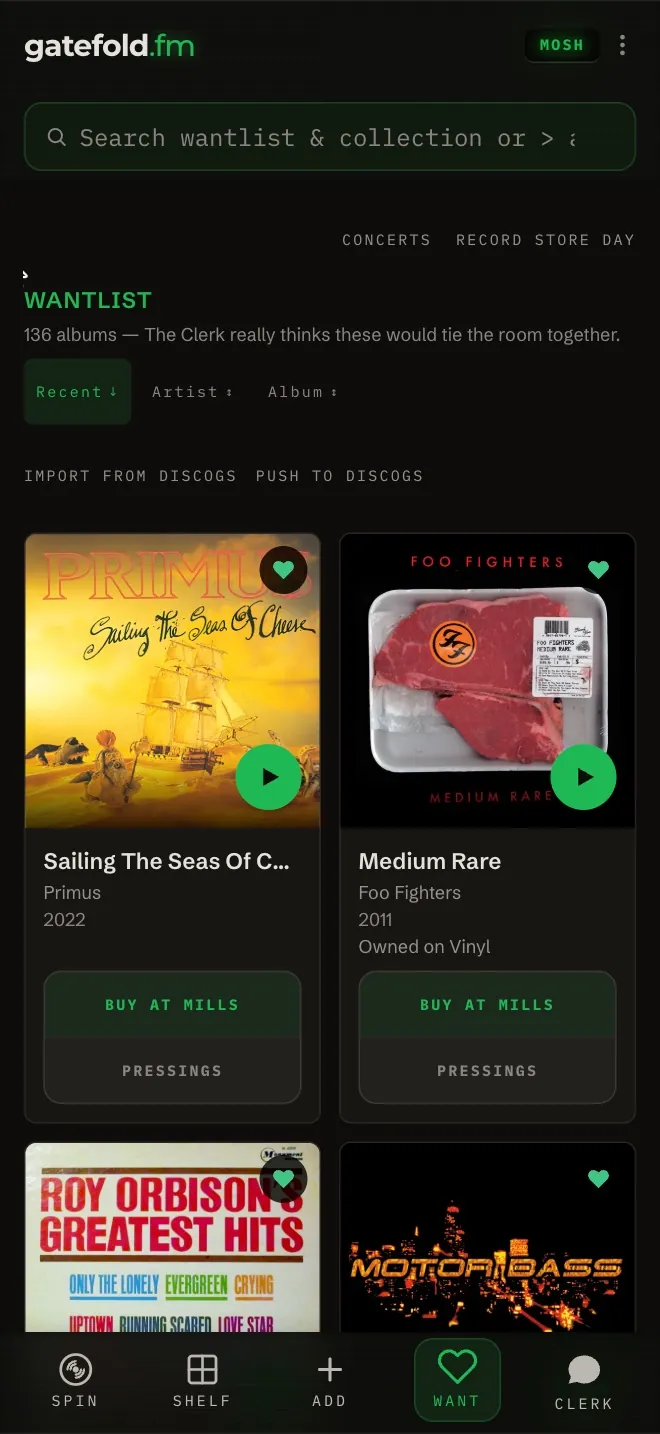
- Your Want list. Heart anything you'd pick up: an album page, a recommendation, a new release. A want you already own says Owned on and the formats.
- Which copy to look for: on MOSH, the pressings button on a Want card opens every pressing with Discogs prices by condition, so you know what a fair price looks like before you're standing at the bin.
- Record Store Day weekend: Want > Record Store Day lists every release, with the number pressed where it's known. Black Friday is November 27, 2026. Details: Your Record Store Day hit list.
Which shops?
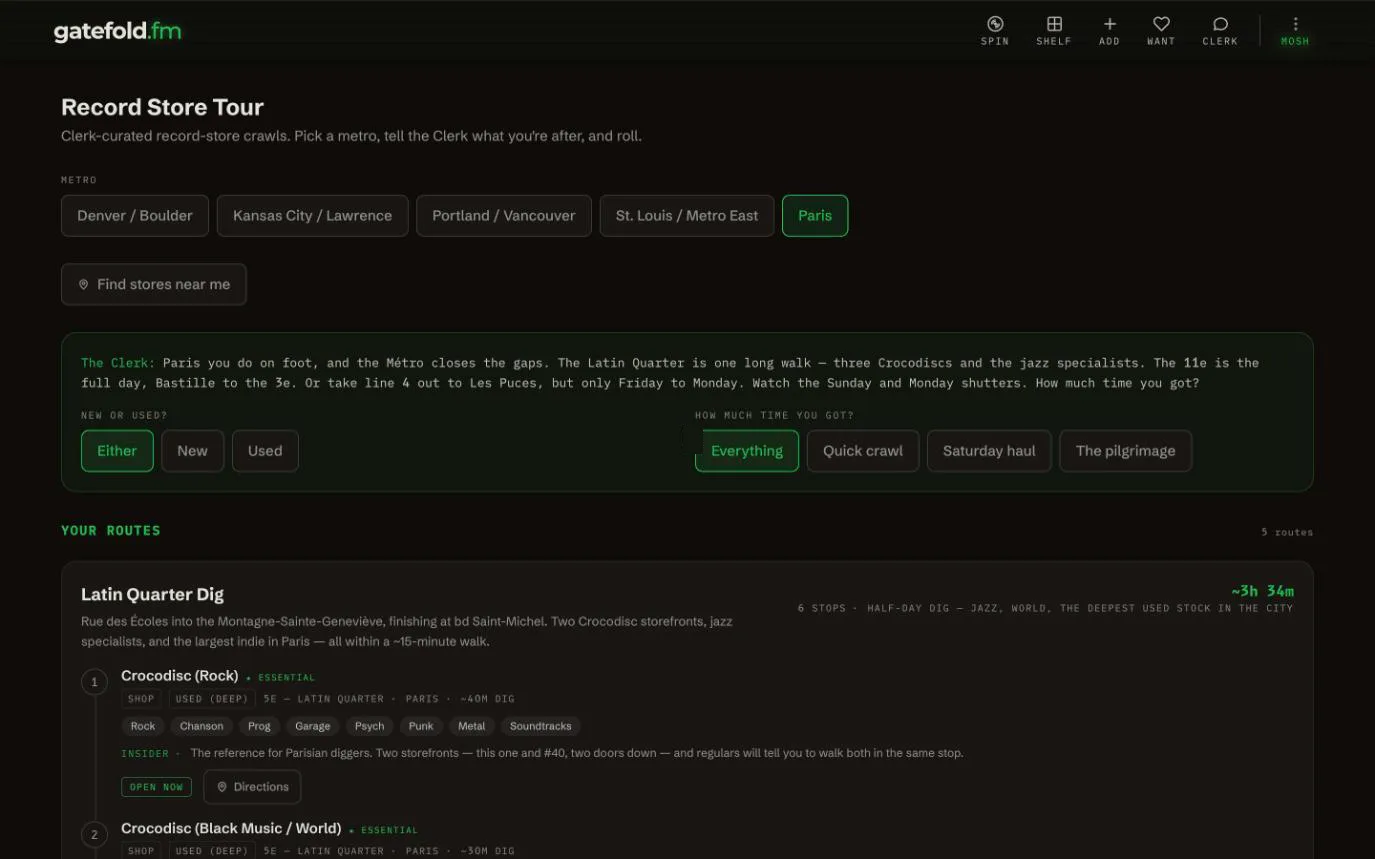
If you're near Kansas City, St. Louis, Denver, Portland or Paris, Gatefold has record store crawls for you: Kebab (3 dots) > Driving > Record Store Circuit. Pick the city and how much time you've got, and it orders the stops, says which shops are open, and how each one fits your shelf. Free on every account. All five cities: Record Store Mode.
What do I do before I leave?
Kebab (3 dots) > Settings > Offline Mode > Sync Now, so the phone has your latest shelf when a shop's basement eats the signal.
And in the shop?
Scan before you buy. The whole routine (dupe check, the pressing, the song overhead, no signal) is in At the record store.
How do I get the haul on my shelf?
- Line the records up spine-out and take one photo: Add tab > Cover, flip to Spines. Records you already own are skipped. Free gets 5 shelf photos in total, MOSH gets 20 a day. Spines.
- Or scan them one at a time. A batch skips anything already on your shelf and tells you.
- Pick the exact pressings now, or later from Pick pressings.
- Each one you add comes off your Want list.
Discogs keeps up: a record you add in Gatefold goes into your Discogs collection too, while Sync adds to Discogs is on (it is by default). Connect Discogs and choose what syncs.