At the record store
You're in the shop with a record in your hand, and there are two questions: do I own this already, and is this the copy I want? Here's the order I'd tap.
Do I already own this?
- Add tab > Scan and point it at the barcode. A record you own says Yours.
- No barcode? Cover reads a photo of the sleeve. Or Type the catalog number, or the deadwax (matrix) string scratched in the run-out. A deadwax search checks your own records first.
- Got the same album on another pressing? The search still says Yours, and you can add the second pressing if you buy it. The same pressing twice gets You own this.
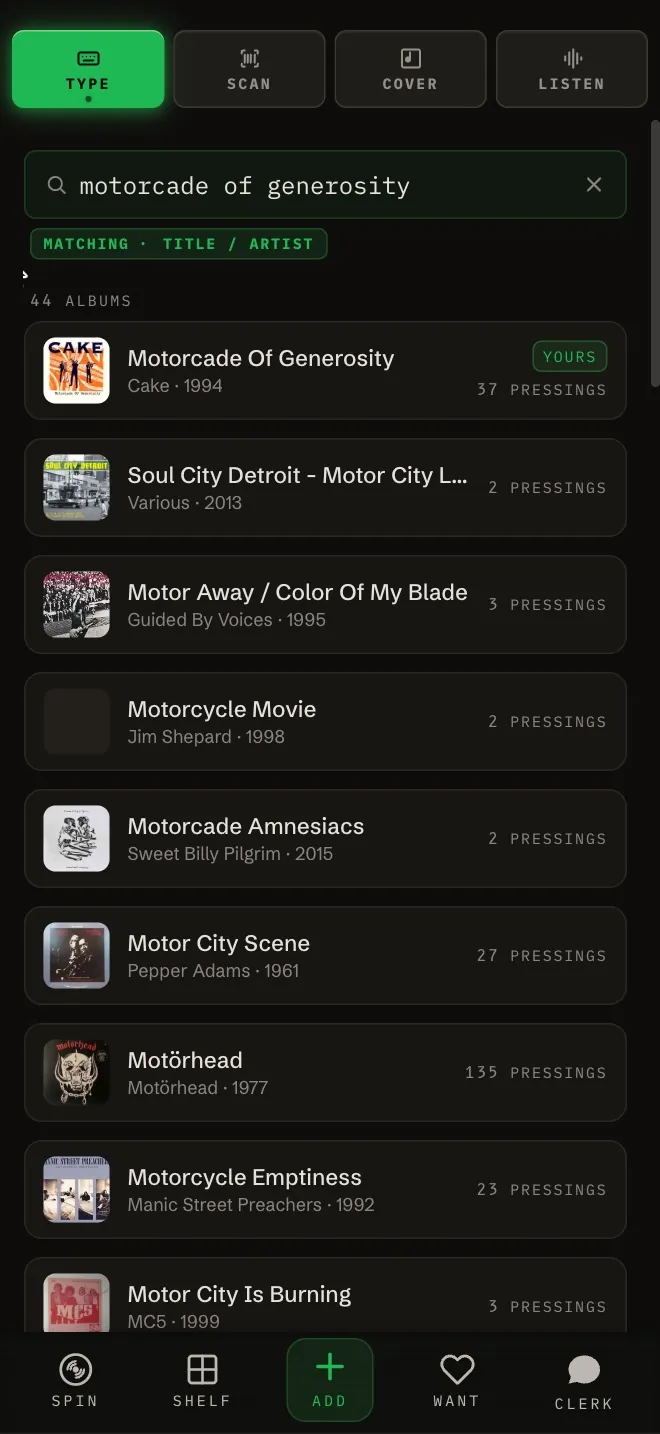
Every way in and how each one checks: How Gatefold stops you adding a record twice. Typing a catalog number or a deadwax string: Type, paste a link or add by hand.
Is this the pressing I want?
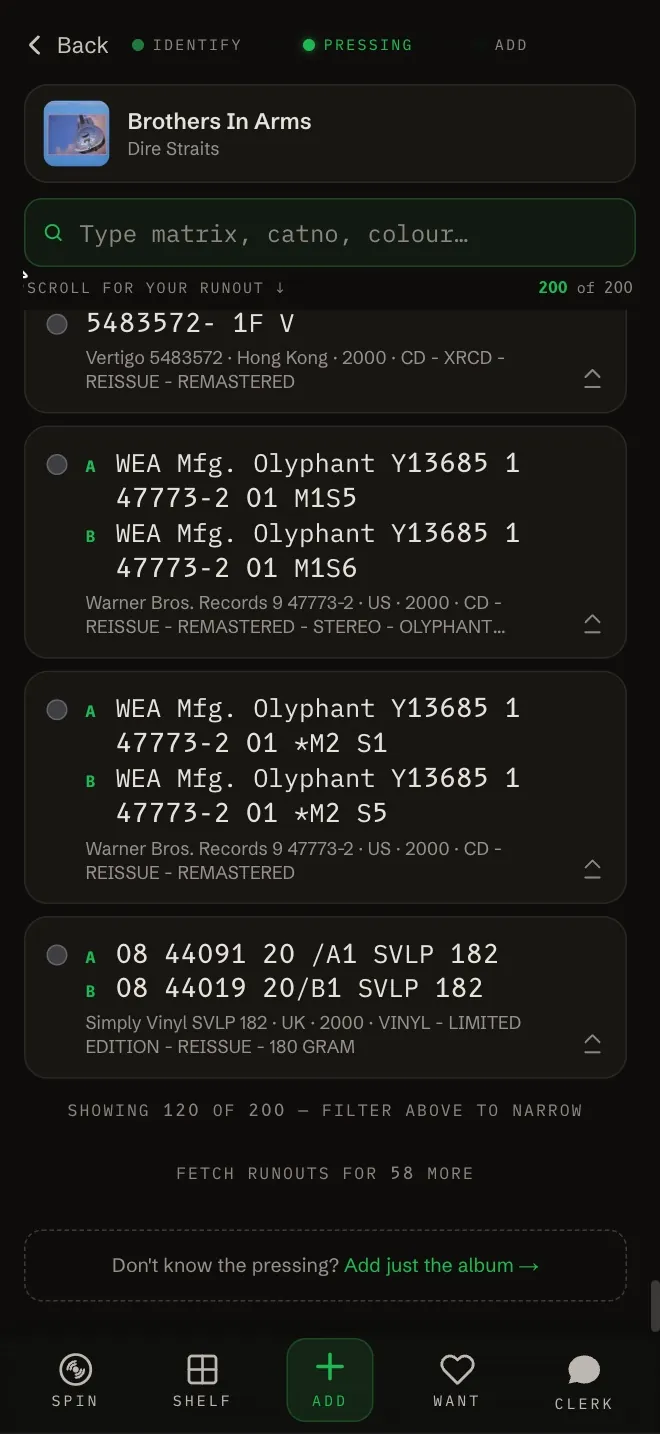
- When a barcode or catalog number fits more than one pressing, you pick from a list. The pressing you own is marked Yours.
- Hunting a record you don't own yet? Heart it so it's on your Want list. On MOSH, its card has a pressings button that lays out originals, reissues and audiophile cuts on one page, each with its Discogs marketplace price and suggested prices by condition.
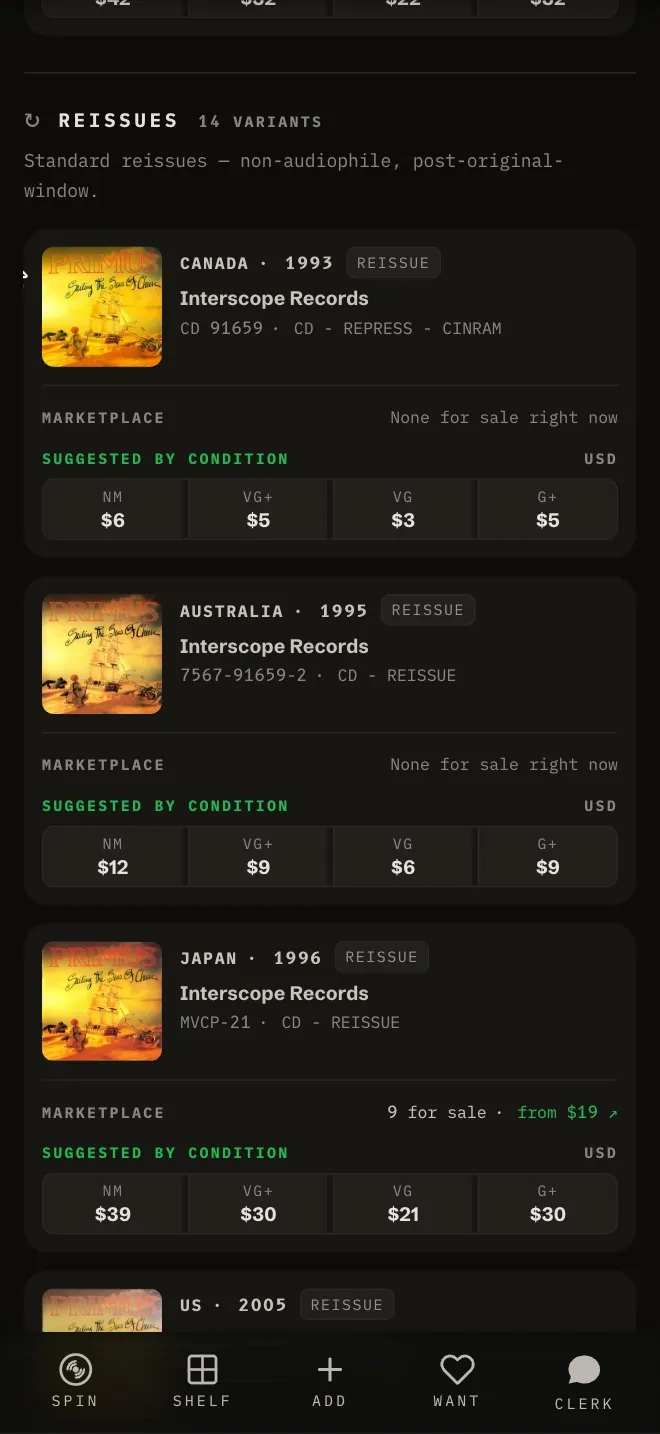
The whole explorer: Pressings explorer.
What's the song playing in the shop?
Add tab > Listen, and hold the phone up toward the speaker. It names the track with Apple's ShazamKit and finds the album, so you can add it or open its page. It's in the iPhone and Android apps only. More in Add a record that's playing with Listen.
What if the basement has no signal?
Your shelf is saved on the phone. Offline you still get your Shelf, search, the format tabs, genre: and label: searches and your Want list, and a barcode scan of a record you own says Found on your shelf (offline). A record you don't own can't be added until you're back online, and the Clerk waits for signal too.
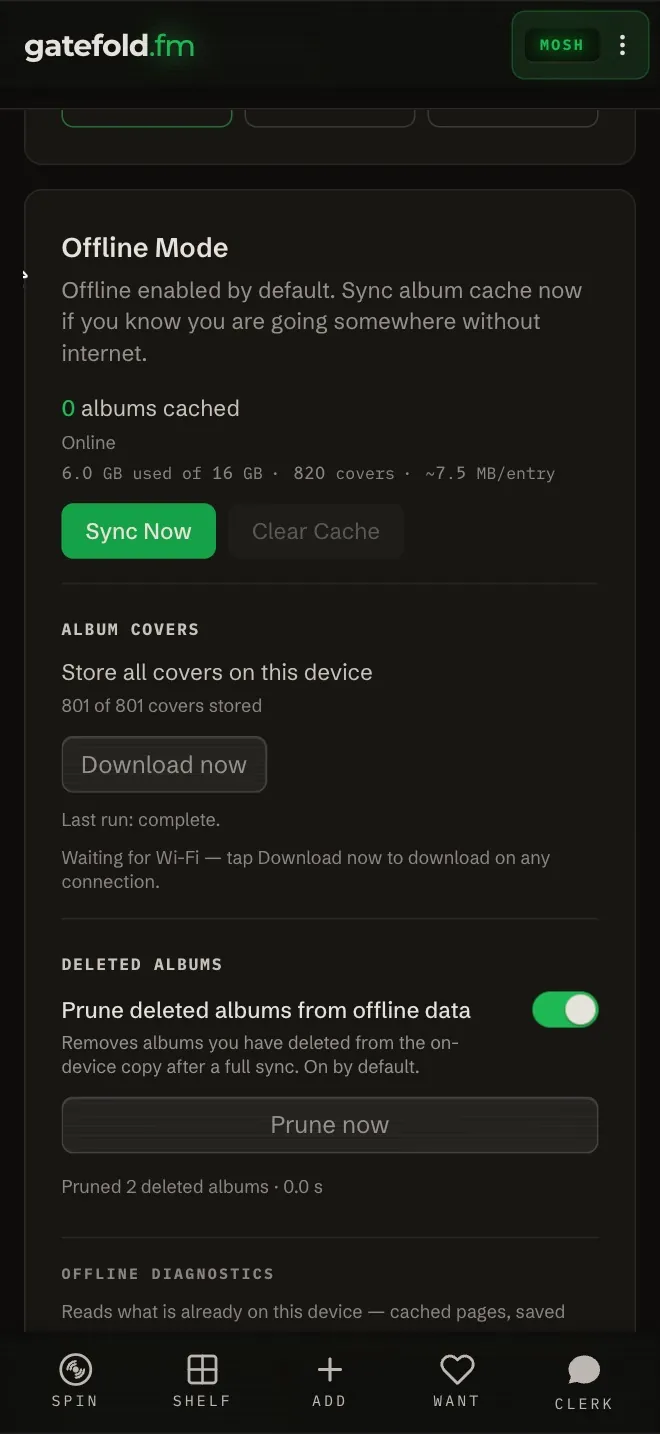
Before you head out, open Kebab (3 dots) > Settings > Offline Mode and tap Sync Now. Store all covers on this device keeps every cover on the phone. Detail: What works offline.
Bought it. Now what?
- Scan it again at the counter, or at home, to add it. Adding it takes it off your Want list.
- Not sure which pressing you walked out with? Tap Don't know the pressing? Add just the album at the bottom of the pressing list and pick the pressing later.
- Photograph your copy: on the album's page, Kebab (3 dots) > My Photos has slots for the front, back, labels, deadwax, and inserts like the OBI. When you open the cover full screen, your photos are the ones shown.
- Write down what you paid and where in a private note.